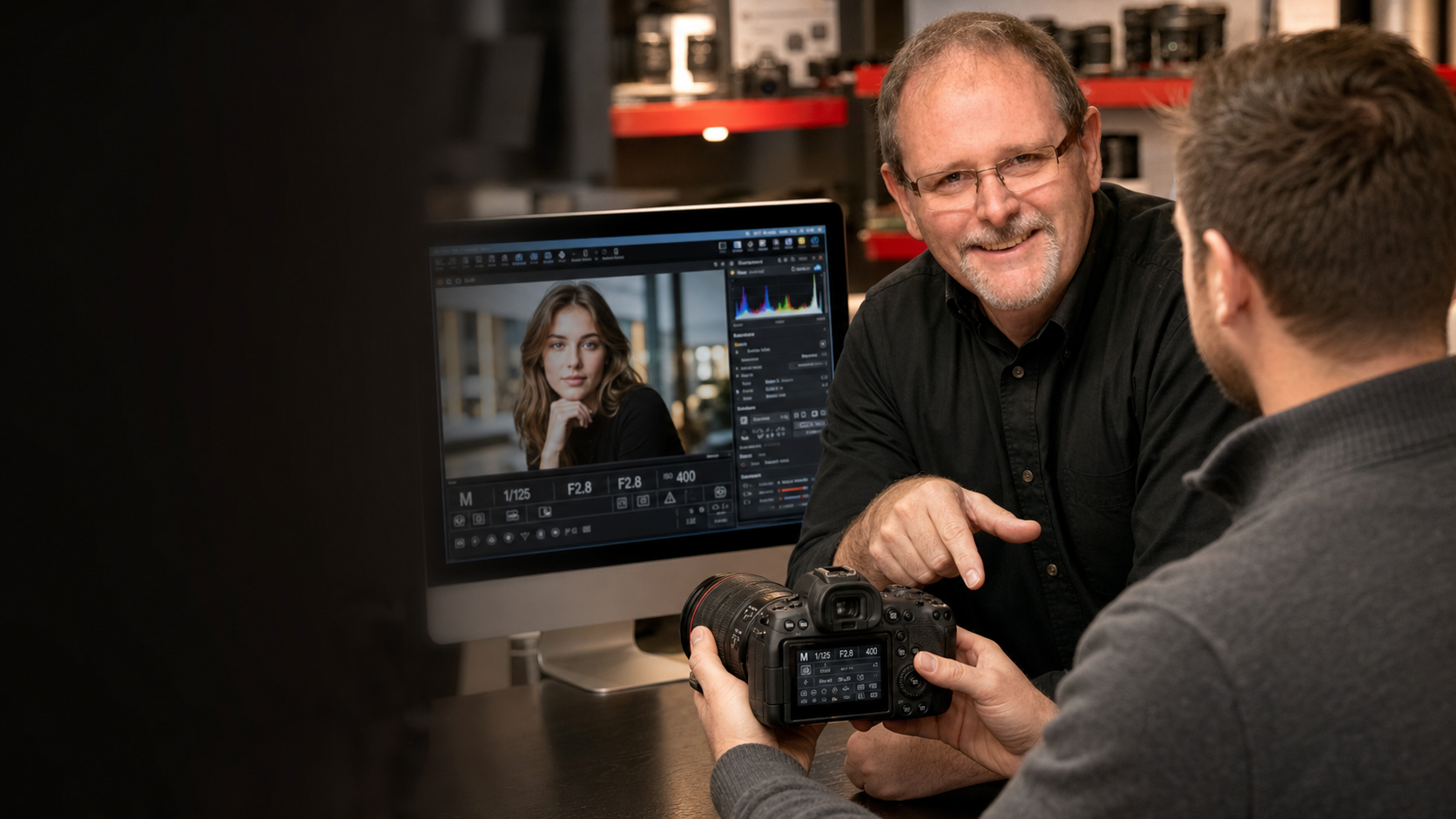
Book a one-on-one photo lesson.

Get personalized instruction with your gear, your software, and your questions, in person at Milford Photo or online when that works better.

1Choose lesson type

Pick how you want to meet first.

2Choose a time

In-store availability for Jun 25, 2026.

June 2026

3Choose a focus

Choose the closest topic. Matching specialties are highlighted, but you can still pick any available instructor.

4Choose an instructor

Pick an available instructor and time for the selected day. Mock times avoid the 1-3 lunch window and most Saturdays.

Automations take care of the follow-up: after payment, the booking system creates the appointment, applies package credit when needed, sends confirmations and reminders to the customer and instructor, and can ask for a day-before confirmation.

Common questions

Quick answers before booking a one-on-one lesson.

Can I choose online or in-store?

Yes. Online lessons are best for camera menus, Lightroom, Photoshop, and screen sharing. In-store lessons are better when you want hands-on help with your camera, lenses, flash, or other gear.

How long is each lesson?

Each personalized lesson is scheduled for 1 hour. Most mock availability is between 10 AM and 4 PM, with the 1-3 lunch window avoided.

Can I pick my instructor?

Yes. Choose a focus area first to see which instructors match that topic, then pick from the available instructors for that day. Final instructor availability will be based on the staff schedule.

What should I have ready?

Bring or have nearby the gear you want help with, charged batteries, memory cards, lenses, flash, computer, software, and a few specific questions or goals for the session. If you are preparing for a trip or event, include that in the notes.

How does the four-lesson package work?

The package gives you four one-hour lessons for $300, so you buy three lessons and get one free. The first lesson can be booked at checkout, and the remaining credits can be used for future bookings.

Will I need to enter a package code every time?

The goal is to make package redemption as smooth as possible. The system can send a booking link or code after purchase, and the final setup should reduce repeated entry wherever Acuity allows it.

Do I need a Zoom account?

No. For online lessons, the confirmation email will include a Zoom link. You can join from a computer, tablet, or phone at the appointment time.

Can online lessons be recorded?

Yes, if recording is enabled and everyone is comfortable with it. After the session, the plan is to send a branded follow-up email with a link to the recording.

Can I reschedule or cancel?

Yes. Confirmation and reminder emails can include links to reschedule or cancel. The exact policy language can be adjusted before launch.

What if I am not sure what focus to choose?

Choose the closest match and explain what you need in the notes. The instructor can review your gear, skill level, and questions before the lesson.